
PC repair and upgrades
Hardware diagnostics, SSD upgrades, RAM installation, and everyday troubleshooting.
This version avoids the dark boxed look and switches to a bright, airy experience with organic shapes, asymmetry, and a more human flow. It is built to feel modern, easy to scan, and clearly local.



The service area is arranged as a flowing story rather than a strict box grid. That gives the page a softer, more contemporary feel while keeping the information easy to follow.
Show the core services in a human way, with more breathing room and less visual noise.
Make the owner visible, place the map nearby, and keep phone and WhatsApp contact obvious.
Use one clear CTA band, a QR area, and a local-language section so the page converts quickly.
Hardware diagnostics, SSD upgrades, RAM installation, and everyday troubleshooting.

Camera placement, wiring, and installation for homes, offices, and retail spaces.
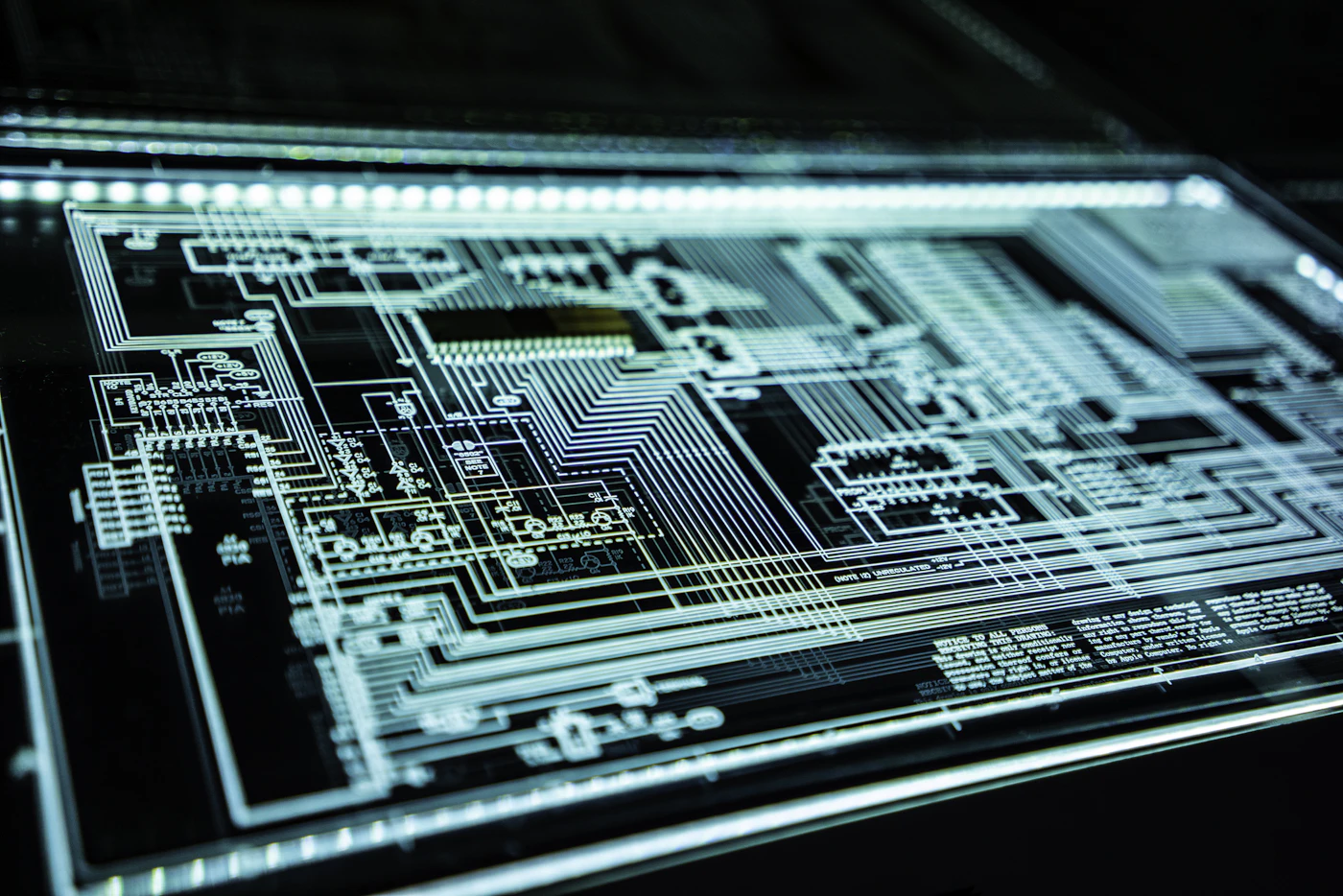
Device support, software setup, charging issues, and practical local help.

A real work environment makes the service feel established and credible.
[Add a short introduction, years of experience, nearby service zones, and your strongest promise.]
The Telugu section and map panel sit close to the contact area so the page feels local, helpful, and easy to act on.
ఇది మీ స్థానిక PC, laptop, మరియు CCTV సేవల వెబ్సైట్. త్వరిత సహాయం కోసం call లేదా WhatsApp చేయండి.
[ఇక్కడ మీ వ్యాపారం గురించి చిన్న పరిచయం వ్రాయండి. సేవలు, పని గంటలు, మరియు nearby areas mention చేయండి.]
Paste your Google Maps iframe here. Google’s Maps Embed API supports embedding a map directly into the page for directions and local discovery. [web:85]
Keep the contact area simple and immediate, since local visitors usually prefer one-tap calling or messaging.
Replace the sample QR with a real call QR, WhatsApp QR, or vCard QR. This section is meant to reduce friction and improve response.